Build your search using Create Search String. Select filters and Pokémon – the search string updates automatically.
When you are happy with the result, press Copy next to Live Search String.
Open Pokémon GO and go to your Pokémon storage.
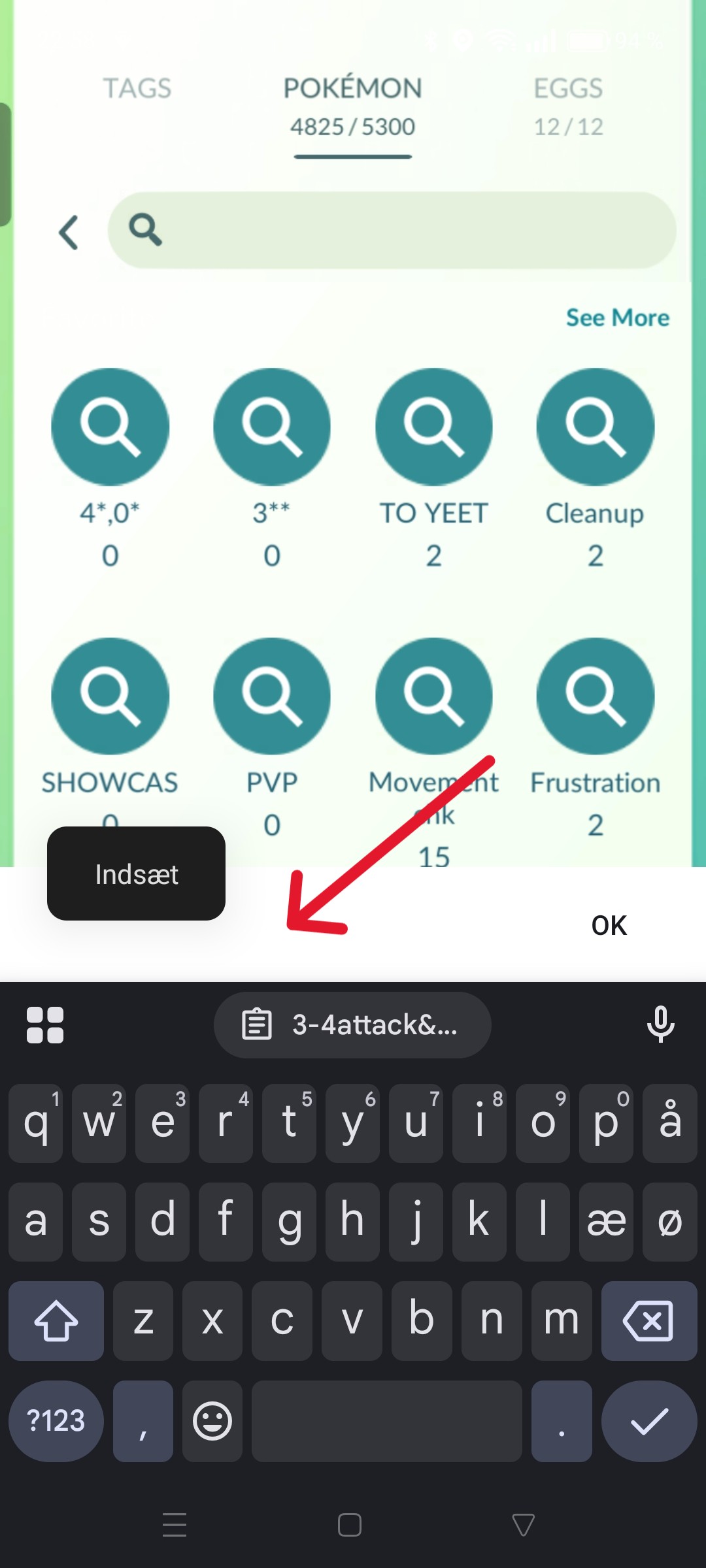
Tap the search bar and paste the search string. Press OK and go back.
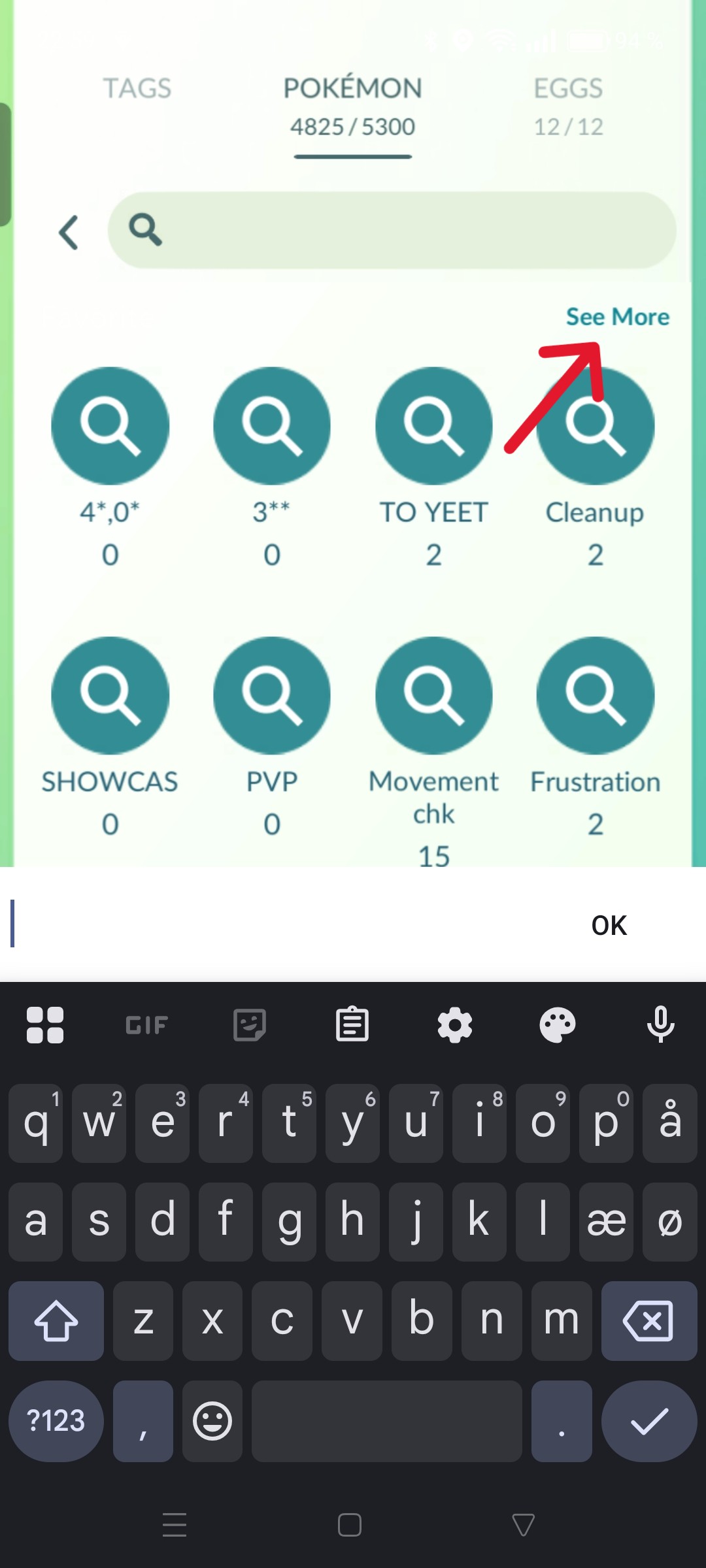
Tap the search bar again and press See More.
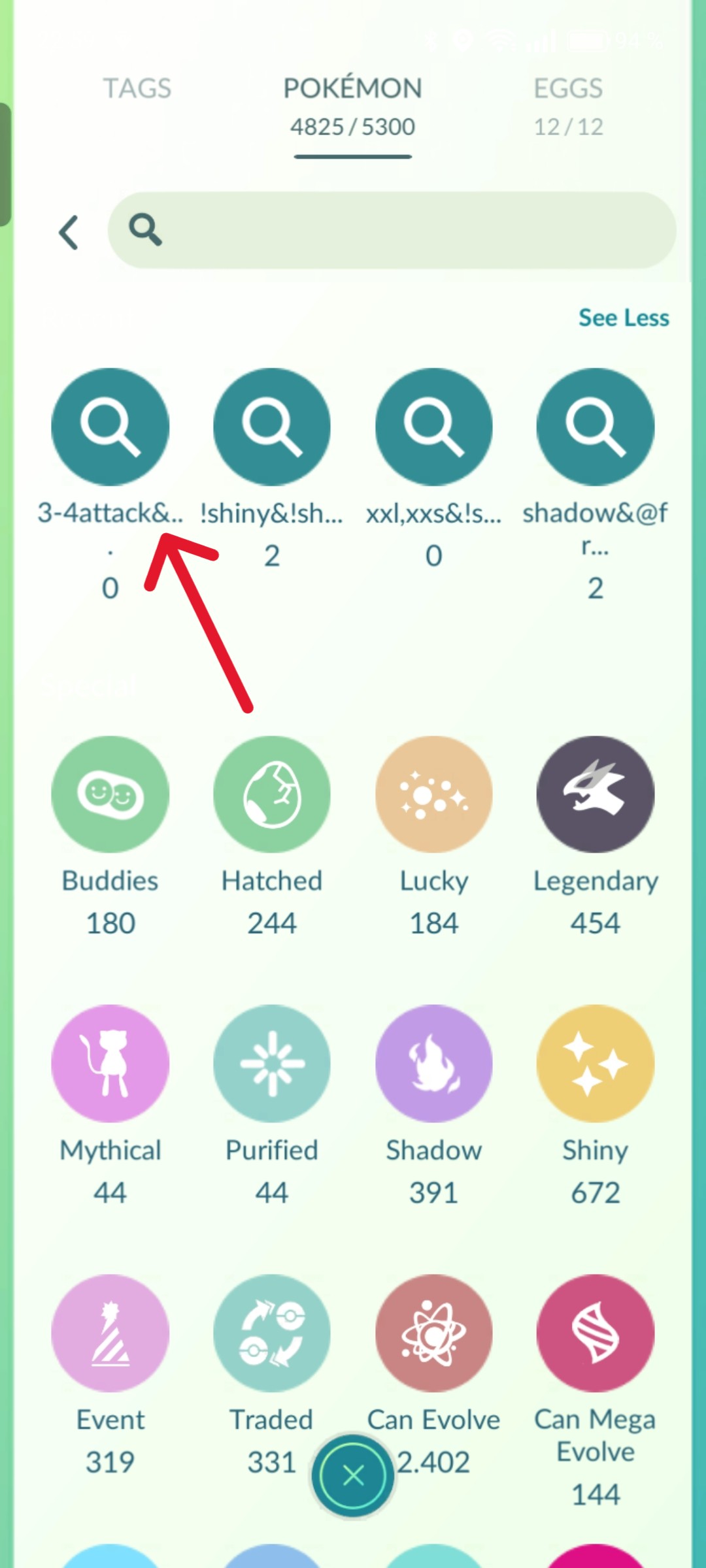
Long press the saved search. Then press See Less.
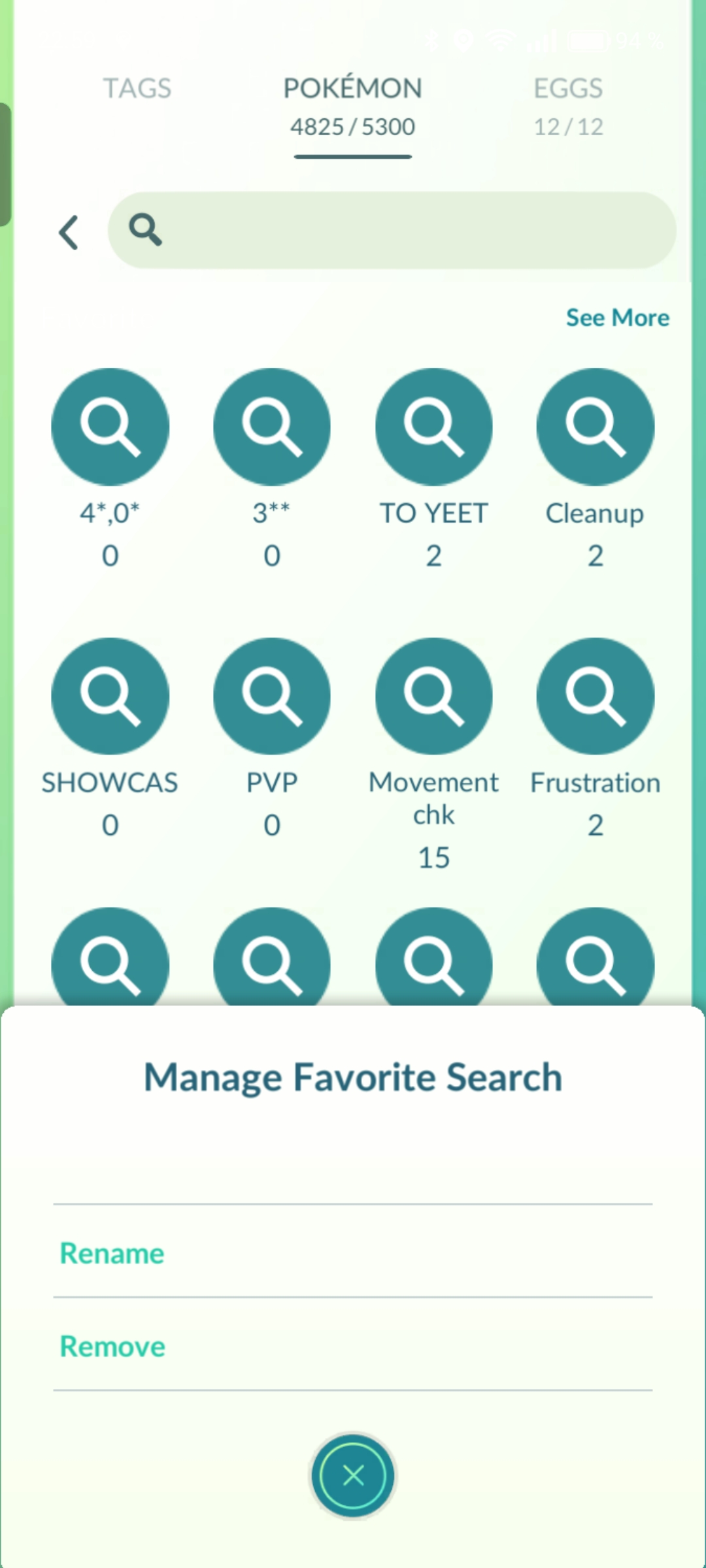
Now Long press the saved search to rename or remove it.